Best Tools for Ontario Municipal Tenders: 7 Options Ranked
Ontario municipal tenders are split across bids&tenders, Biddingo, MERX, Bonfire and city portals. Seven tools ranked, with prices and when free is enough.
SamSearch is the best tool for Ontario municipal tenders if you bid across many buyers. It searches municipal, provincial and federal tenders in one place, so you are not logging into a dozen portals every morning. If you only sell to a few municipalities on one platform, that platform's own account may be all you need. This guide explains why Ontario tenders are so scattered, ranks seven tools, and says when the free options are enough.
Why Ontario municipal tenders are hard to track
Ontario has no single portal for municipal bids. Each municipality, school board, hospital and university chooses its own platform. Together these buyers are called the MASH sector (municipalities, academic institutions, schools and hospitals), or the broader public sector in Ontario.
In practice you will run into at least five places:
- bids&tenders, a Canadian eProcurement platform used by municipalities such as York Region.
- Biddingo, which focuses on municipal, education, school board and healthcare buyers.
- MERX, a long-running Canadian tender service. York University, for example, takes bids only from suppliers who got the bid document through MERX.
- Bonfire, now part of Euna Procurement, used by buyers such as OECM and Canoe Procurement.
- The buyer's own system. The City of Toronto posts notices on its Toronto Bids Portal and takes bids on the SAP Business Network.
Most of what you find is a tender, an RFQ (request for quotation, usually for clearly defined goods or services where price decides) or an RFP (request for proposal, where you propose an approach and are scored on more than price). Each platform has its own login, alert settings and fees. Missing one platform can mean missing a whole group of buyers.
How we ranked these tools
We looked at four things:
- Ontario municipal coverage. How much of the municipal and MASH market the tool shows you.
- Alerts and search. Whether you can save searches and get matching notices by email.
- Price. What it costs, based only on published information.
- Effort. How many other places you still have to check.
Disclosure: Tender Reviews is published by SamSearch.
1. SamSearch

Best for: suppliers who bid across many Ontario municipalities, school boards and hospitals, or who also chase provincial and federal work.
What it covers: SamSearch's Canada search covers federal, defence, provincial and municipal tenders. Its Canada page lists all 10 provinces through portals such as Ontario Tenders, BC Bid, SEAO, Alberta Purchasing Connection and SaskTenders. It also covers cities, regional municipalities and towns, plus school boards, colleges, universities, hospitals, transit agencies, water utilities and Crown corporations.
You can filter by province, buyer level, a specific jurisdiction such as the City of Toronto, RFx type (RFP, RFQ, RFI or sources sought) and product or service. Saved searches can be set by province, level or municipality, with alerts when new opportunities match your profile.
What stands out:
- One search across buyer levels. Federal down to a single city, without logging into each portal.
- English and French. SamSearch reads solicitations in either language, including Quebec SEAO documents, which helps Ontario firms that also bid in Quebec.
- Fit scoring. Each opportunity is scored against your company profile, past performance and your own criteria, so the best matches rise to the top.
- More than search. The same platform extracts requirements from tender documents, builds compliance matrices, tracks your pipeline in its own CRM and helps prepare the bid package, with a person signing off before anything is submitted. It connects to Salesforce, HubSpot, Pipedrive, Slack and Microsoft Teams.
Pricing: pricing on request. The pricing page says plans are priced annually by team size and the markets you cover. There are no feature tiers and no setup fees, and read-only stakeholders are not charged. You get a quote after a demo call run against your own pipeline.
Limits: there is no published price or self-serve free plan, so a one-person shop bidding on two or three municipalities may not need it. You still submit each bid on the buyer's own platform. SamSearch finds the opportunity and helps you prepare, but the buyer decides where the bid is filed.
2. bids&tenders
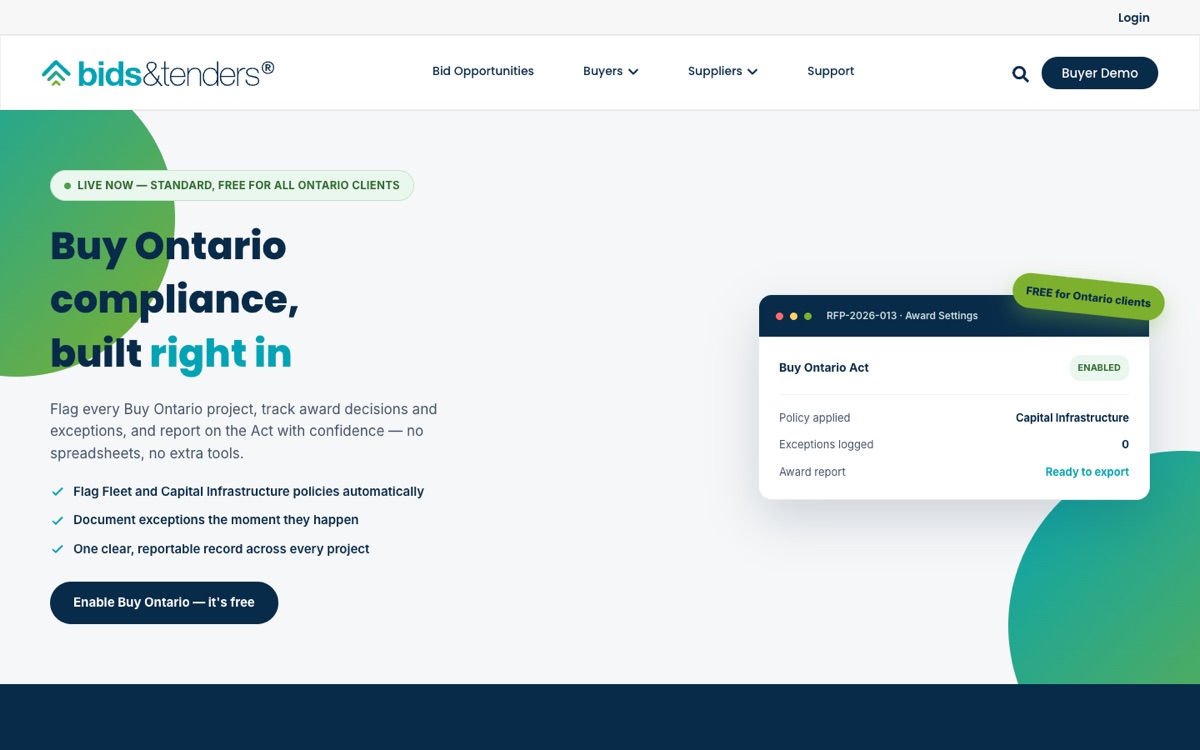
Best for: suppliers whose main buyers are Ontario municipalities that already use bids&tenders.
What it covers: bids&tenders is an eProcurement platform based in Montreal that serves public buyers in Canada and the US. Municipalities post bids on it and suppliers submit through it. You only see agencies on the platform, not buyers on Biddingo, MERX, Bonfire or city systems.
Pricing: published on the supplier plans page, billed annually. The page does not state a currency.
| Plan | Price | Agency coverage |
|---|---|---|
| Free | $0 | View and search open opportunities, requirements and addenda |
| Pay-Per-Bid | Not stated on the plans page | This bid only |
| Local | $549 per year | Up to 10 agencies |
| Growth | $999 per year | Up to 20 agencies |
| Pro | $1,999 per year | All agencies, no cap |
Pay-Per-Bid and above add downloads, addenda and results, plus submitting questions and a compliance checker. Unlimited daily bid email notifications, a curated bid list, a personal dashboard and bid history start at the Local plan. Once an agency is in your plan, you can register for as many of its bids as you like. The page also notes that agencies that are currently free to access stay free and do not count toward your agency limit.
When the free account is enough: the free tier lets you browse, but it does not include the daily email alerts. Free is enough if:
- you only sell to one or two bids&tenders buyers and are happy to check them yourself,
- you mainly want to read requirements and addenda before deciding, and
- you are willing to pay per bid, or buy the Local plan, once you decide to bid.
Limits: it only covers agencies on bids&tenders. The agency caps on Local and Growth mean you have to pick your buyers, and if they include a school board on Biddingo or the City of Toronto, you need other accounts too.
3. Biddingo
Best for: suppliers to Ontario school boards, hospitals and regional governments.
What it covers: Biddingo says it specializes in the provincial and MESH sector, which it defines as municipal, education, school board and healthcare. Its supplier page lists clients including the City of Mississauga, the Region of Halton, the City of Markham, the Toronto District School Board, Queen's University, Infrastructure Ontario and the Liquor Control Board of Ontario. Buyers can also use Biddingo to let bidders submit responses online.
Pricing: the supplier page offers a 30-day free trial, or a premium membership at $250 a year to access all tenders. The page does not state a currency. It says paid subscribers can get online documents, including the electronic form of tender and amendments, at no extra cost.
Limits: coverage is limited to agencies that post on Biddingo. Client lists change as buyers switch platforms, so confirm your target buyers are still active there before you subscribe.
For a closer look at how these two compare, see our MERX vs Biddingo comparison.
4. MERX
Best for: suppliers whose Ontario buyers post on MERX, such as some universities, and who want one established Canadian service.
What it covers: MERX is a long-running Canadian tender service. Some Ontario MASH buyers rely on it fully. York University links to MERX for its current opportunities and says it will only consider submissions from bidders who registered and got the bid document directly from MERX. MERX was also the Government of Ontario's tendering platform until the Ontario Tenders Portal replaced it on April 1, 2014.
Pricing: MERX lists its plans on its own website. Check current rates there before you budget.
Limits: many Ontario municipalities post elsewhere, so MERX is not a full Ontario municipal feed. Paid access is mostly worth it if your buyers actually use MERX.
5. Euna Procurement (formerly Bonfire)
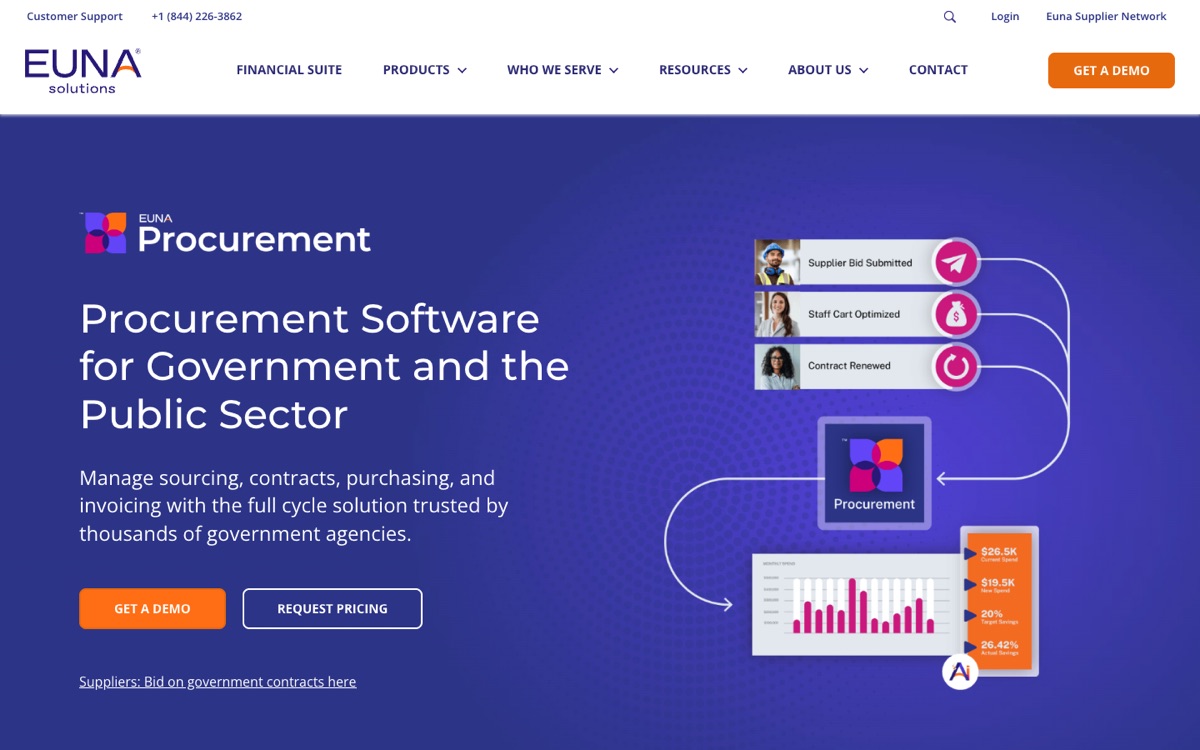
Best for: suppliers to buying groups, education buyers and other public bodies that run Bonfire portals.
What it covers: Euna Solutions says Bonfire, IonWave, EqualLevel and DemandStar have come together as Euna Procurement. Suppliers self-register, choose commodity codes and submit through an online portal. In Ontario, OECM runs its own Bonfire portal at oecm.bonfirehub.ca. Canoe Procurement is moving its portal to Bonfire, with the switch expected to finish by Q3 2026.
Pricing: free for suppliers on the portals we checked. Canoe says there is no fee to create or maintain an account or to take part in its solicitations, and suppliers can download documents, submit responses and get notices based on their commodity codes.
Limits: each buyer has its own portal link. OECM notes that even if you are registered with the Euna Supplier Network, you still have to register on OECM's own portal to see its opportunities. Selling to many Bonfire buyers means many separate registrations.
6. Ontario Tenders Portal
Best for: provincial ministry work, and broader public sector buyers that have joined the portal.
What it covers: the Ontario Tenders Portal is the Government of Ontario's electronic tendering system, run by Jaggaer. Its supplier FAQ, last updated in March 2019, says ministries post all open, competitive opportunities at or above $25,000 for goods and $100,000 for services and construction. These are the value thresholds above which an open competition is required. Broader public sector buyers that have rolled out the portal also post there.
Anyone can search published opportunities from the portal's home page. To download documents and respond, you must register. Registered suppliers who add UNSPSC commodity codes to their profile get daily email alerts for matching opportunities.
Pricing: free. The FAQ says there are no costs to register or to download opportunities, and registration takes less than five minutes.
Limits: most Ontario municipalities post elsewhere, so this covers the province more than towns and cities. It is still worth an account if you sell to ministries or provincial agencies.
7. CanadaBuys
Best for: federal work in Ontario, including defence.
What it covers: CanadaBuys is the Government of Canada's tender site. Federal departments and Public Services and Procurement Canada post national tenders there, including contracts for National Defence and the Canadian Armed Forces.
Pricing: it is a Government of Canada service, not a paid subscription product. Check the site for account terms.
Limits: it is not where Ontario municipalities run their own bids. Treat it as your federal feed, not your municipal one.
A note on municipalities with their own systems
Some large buyers run their own system. The City of Toronto advertises notices on the Toronto Bids Portal (TO Bids), where you can view upcoming, active and awarded solicitations or subscribe to notifications. Selecting a posting takes you to the SAP Business Network, where you download solicitation documents for free and submit your bid. New suppliers register through the City's Supplier Registration Form, separately from every platform above. If Toronto is a key buyer, set this up early.
Comparison table
| Tool | Best for | Ontario municipal coverage | Free option | Paid pricing |
|---|---|---|---|---|
| SamSearch | Multi-buyer search plus bid prep | Municipal, provincial and federal in one search | No self-serve free plan | Pricing on request |
| bids&tenders | Municipalities on bids&tenders | Agencies on its platform only | View and search, including addenda | $549 to $1,999 per year |
| Biddingo | School boards, hospitals, regions | Agencies on its platform only | 30-day free trial | $250 per year |
| MERX | Buyers that post on MERX | Partial | Check MERX | Listed on MERX's site |
| Euna Procurement (Bonfire) | Buying groups, education buyers | Per-buyer portals | Free for suppliers | None for suppliers |
| Ontario Tenders Portal | Provincial ministries and agencies | Limited for municipalities | Free | None |
| CanadaBuys | Federal work | Not a municipal feed | Government service | None |
Which setup fits your business
You sell to one to three municipalities on bids&tenders. Start with a free bids&tenders account to browse. Pay per bid, or buy the Local plan when you want daily email alerts and plan to bid regularly. You may not need anything else.
You sell to municipalities plus school boards and hospitals. You now need bids&tenders, Biddingo and probably a few Bonfire portals. This is where a search tool like SamSearch saves real time, because it covers municipal, education and health buyers in one search instead of you checking each login.
You also chase provincial or federal contracts. Add free accounts on the Ontario Tenders Portal and CanadaBuys for bidding. Use SamSearch to watch all levels of government together, so you are not running separate alert setups for each.
You run a bid team. If you handle many bids a month, tools that only find tenders cover part of the job. SamSearch's requirement extraction, compliance matrices and pipeline tracking take over work that would otherwise sit in spreadsheets.
For a wider look at alert services across Canada, including free options outside Ontario, see our guide to the best tender alert services in Canada.
Tips for not missing Ontario municipal bids
- Register before you need to. Most platforms need an account before you can download documents or bid, and some buyers ask you to register on their own portal link.
- Set up commodity codes. The Ontario Tenders Portal and Bonfire portals send alerts based on the codes in your profile. No codes means no alerts.
- Add alert senders to your safe list. Notices from each platform can land in spam, so whitelist their sending addresses.
- Check where each target buyer posts. List your top 20 buyers and note the platform each one uses. Buyers do switch, as Canoe's move to Bonfire shows.
- Read addenda. Changes to closing dates and requirements come out as addenda, and on some platforms you only see them with the right account level.
Frequently asked questions
Are bids&tenders alerts free in Ontario?
Not on the free tier. The bids&tenders supplier plans page says a free account lets you view and search open opportunities, requirements and addenda. Unlimited daily bid email notifications start with the Local plan at $549 a year, which covers up to 10 agencies. Agencies that are currently free to access stay free and do not count toward your agency limit, so check each buyer's terms.
Do all Ontario municipalities use bids&tenders?
No. Each Ontario buyer chooses its own platform. York Region appears as a bids&tenders customer, while the City of Toronto takes bids on the SAP Business Network. Biddingo lists the City of Mississauga, the Region of Halton and the Toronto District School Board among its clients, and York University takes bids through MERX. No single platform covers every Ontario buyer, so map where your target buyers post.
Is the Ontario Tenders Portal free for suppliers?
Yes. The Ontario Tenders Portal vendor FAQ says there are no costs to register or to download procurement opportunities, and registration takes less than five minutes. You do need to register before you can download documents, and you only get email alerts if you add UNSPSC commodity codes to your profile. The portal mainly carries provincial ministry work and broader public sector buyers that have joined it.
What is the MASH sector?
MASH stands for municipalities, academic institutions, schools and hospitals. In Ontario these buyers are often called the broader public sector. Each one chooses where it posts tenders, so a single region's buyers can be spread across bids&tenders, Biddingo, MERX, Bonfire and their own websites. That is why suppliers who sell to several MASH buyers usually need several accounts, or a search tool that covers many buyer levels at once.
How much does SamSearch cost?
SamSearch does not publish list prices. Its pricing page says plans are priced annually by your team size and the markets you cover. There are no feature tiers and no setup fees, and read-only stakeholders who only review the pipeline are not charged. You get a quote after a demo call run against your own pipeline, so for budgeting, treat it as pricing on request.
Sources
- SamSearch: The Complete AI Platform for Government Contracting
- SamSearch pricing
- SamSearch Canada Contract Search
- bids&tenders: Digital eProcurement Platform
- bids&tenders: Choose Your Plan (suppliers)
- Biddingo: Suppliers
- York University: Current Opportunities
- Ontario Tenders Portal FAQ for suppliers
- City of Toronto: Searching and bidding on City contracts
- Euna Solutions: Euna Procurement
- Canoe Procurement Portal Moving to Bonfire
- OECM: How do I register for Bonfire?
Related analysis
MERX vs Biddingo: Which Canadian Tender Platform Fits Your Bids?
MERX vs Biddingo for Canadian suppliers: coverage, Ontario MASH buyers, exclusive postings and pricing, plus one tool that puts more tenders in one feed.
Best Tender Alert Services in Canada: Paid and Free Options Compared
Compare Canadian tender alert services, from SamSearch, Bids&Tenders and MERX to CanadaBuys and provincial alerts, on coverage, matching and cost.